Robomates HQ
Web-based control center for playing games, configuring robots, and developing autonomous behaviors. Runs in any Chromium-based browser (Chrome, Edge, Brave) — no apps to install, no drivers.
Open Robomates HQ →Connecting
HQ uses the Web Bluetooth API to connect directly from your browser to a robot or repeater.
You can connect up to 6 BLE devices simultaneously. Every page that needs a Bluetooth connection provides
an "Add Device" button — click it, select a device starting with RBM_, and you're connected.
You can connect directly to a single robot for one-on-one play, or connect through a repeater that bridges BLE to all robots on the field over sub-GHz RF.
Games
HQ comes with built-in multiplayer game modes. We're actively adding more games, and in the future it will be possible to create and share your own custom game modes.
Sandbox

Free play mode for manual control, testing, and demos. Select a target robot (or broadcast to all) and adjust speed and torque sliders, set individual LED colors for all 12 LEDs, or use the "Find" button to flash random colors and locate a specific robot. Each detected robot appears as a card showing its name, battery level, controller info, and last seen time.
Zombie Tag

An infection game where zombies spread by getting close to survivors. Choose how many initial zombies to start with (1–8), set the game length (10–300 seconds), then hit Start. Zombies glow red, survivors glow green. When a zombie gets close enough to a survivor, the infection spreads automatically via proximity scanning. The game ends when the timer runs out or all robots are infected. A results screen shows who survived.
Push Wars
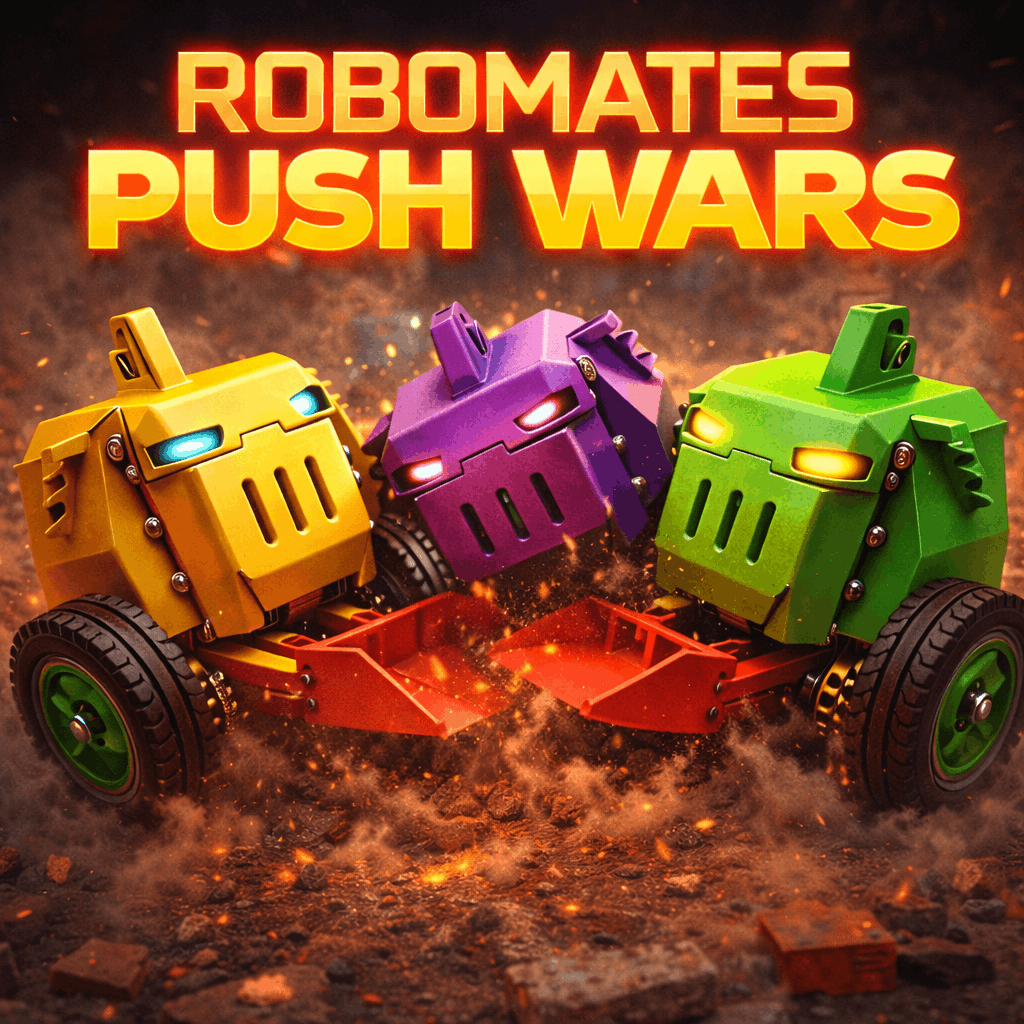
Last robot standing wins. Select which robots participate, start the game, and robots physically push each other. When a robot tips over, it's automatically eliminated. Each robot gets a distinct LED color so you can tell them apart on the field. After each game, Elo ratings are updated — you can view the leaderboard and full game history. A results screen shows final placements and rating changes.
BLE Dev
Advanced developer interface for configuring and programming robots over BLE. Connect to a single robot and use the tabs below. While connected, a live status panel shows the robot's battery, temperatures, firmware version, controller info, and more — updated with every ping.
Subprograms
Create autonomous robot behaviors using a visual block editor. Drag "Set Axis" and "Wait" blocks onto a canvas to build movement sequences, then upload the bytecode to the robot. Each robot can store up to 8 subprograms (max 512 bytes each). Assign subprograms to controller buttons (1–5) so the robot can run them on demand. Subprograms can be imported and exported as JSON files to share with others.
Controller
A virtual gamepad that lets you drive the robot directly from HQ. Use the on-screen joysticks with mouse or touch, or use keyboard shortcuts: WASD for movement, arrow keys for the D-pad, Space for the A button, Q/E for L1/R1 shoulder buttons. Sensitivity and trigger axes are adjustable. Useful for testing or playing without a physical controller.
Melody
Compose custom melodies for the robot's buzzer. Pick notes from a dropdown or click directly on a piano keyboard (octaves 5–6), set durations from 1/16 to whole notes, and build sequences of up to 64 notes. Preview the melody in the browser, then upload it to the robot. Several presets are included (Happy Birthday, Star Wars, Mario, Imperial March, and more). Melodies can be imported and exported as JSON. Volume is adjustable.
Mapping
Customize which controller buttons trigger which actions, and configure axis mappings for any supported controller type (PS5, PS4, Xbox, Switch Pro, Joy-Con, and more). You can also adjust the robot's balance pitch, steering sensitivity (at speed and when stopped), and velocity limits (normal and boost). A recalibration option resets the IMU and motor encoders.
Crypto
Interface with the robot's ATECC508A hardware security chip. Retrieve the robot's unique ECDSA P-256 public key, sign arbitrary messages (up to 60 characters), and verify signatures — all performed on the secure element inside the robot.
Serial Dev
USB serial interface for robot configuration and firmware updates. Connect the robot via USB-C, and HQ uses the Web Serial API to communicate directly.
- View firmware version and robot name
- Change the robot name (3–10 alphanumeric characters) — this also updates the BLE advertising name
- Flash firmware updates directly from the browser using esptool-js, with a progress bar and log output